Table of Contents
- What Live Scan Means for a Small Business in 2026
- How to Get a Live Scan for an Employee: A Step-by-Step Process
- The Live Scan Form for Employment: What Employers Fill Out and Why It Matters
- Live Scan Processing Time: What Affects Your Turnaround
- Employment Background Check Fingerprinting: Building It Into Your Hiring Workflow
- Rejected Prints, Data Security, and Who Handles What
- Conclusion
- Frequently Asked Questions
Last Updated: October 13, 2026
What Live Scan Means for a Small Business in 2026
Live Scan is an electronic fingerprinting process that captures fingerprints digitally and sends them to a state-approved database for a background check. For a small business, it replaces the ink-and-paper fingerprint card with a faster, cleaner, more accurate system.
At San Diego Live Scan, we have handled fingerprinting and criminal background check services since 2010.
Most small businesses do not need Live Scan for every role, only the roles the law says they do. Knowing the difference saves time and money.
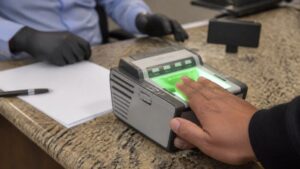
Live Scan technology uses a digital scanner, not ink. It reads your ridges, builds an electronic image, and transmits it straight to the requesting agency, no smudged cards, no mail delays.
Requirements vary by state, license type, and agency, so confirm the current rule with the requesting body before you schedule anyone.
Who Actually Needs a Fingerprint Background Check
The answer depends on your industry, not your headcount. A five-person team can trigger more fingerprint requirements than a fifty-person office.
Common roles that need employment background check fingerprinting include:
- Licensed healthcare workers, from nurses to home aides
- Childcare and school staff
- Real estate agents and mortgage brokers
- Security guards and alarm installers
- Financial advisors and insurance agents
- Notaries and some transportation workers
- Volunteers in schools, churches, and youth sports
Many of these are non-criminal justice checks: the fingerprint goes to the licensing agency, not to a police investigation.
If your business holds a state license, check the renewal paperwork. It usually names the fingerprint requirement directly.
Before you post a job ad, check whether the role is state-mandated for fingerprinting. Screening the requirement at the job-description stage stops you from promising a start date you cannot keep.
How to Get a Live Scan for an Employee: A Step-by-Step Process
The process is short when you prepare for it. Most appointments take only a few minutes once the applicant is at the counter.
Here is how to get a Live Scan for an employee:
- Confirm the requirement. Check the agency or license board that needs the check.
- Get the request form. The requesting agency gives you the form or the code.
- Fill in the employer section. This includes your agency ID and the type of check.
- Send the applicant to a Live Scan location. They bring the form and a valid photo ID.
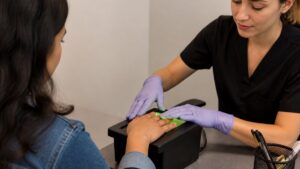
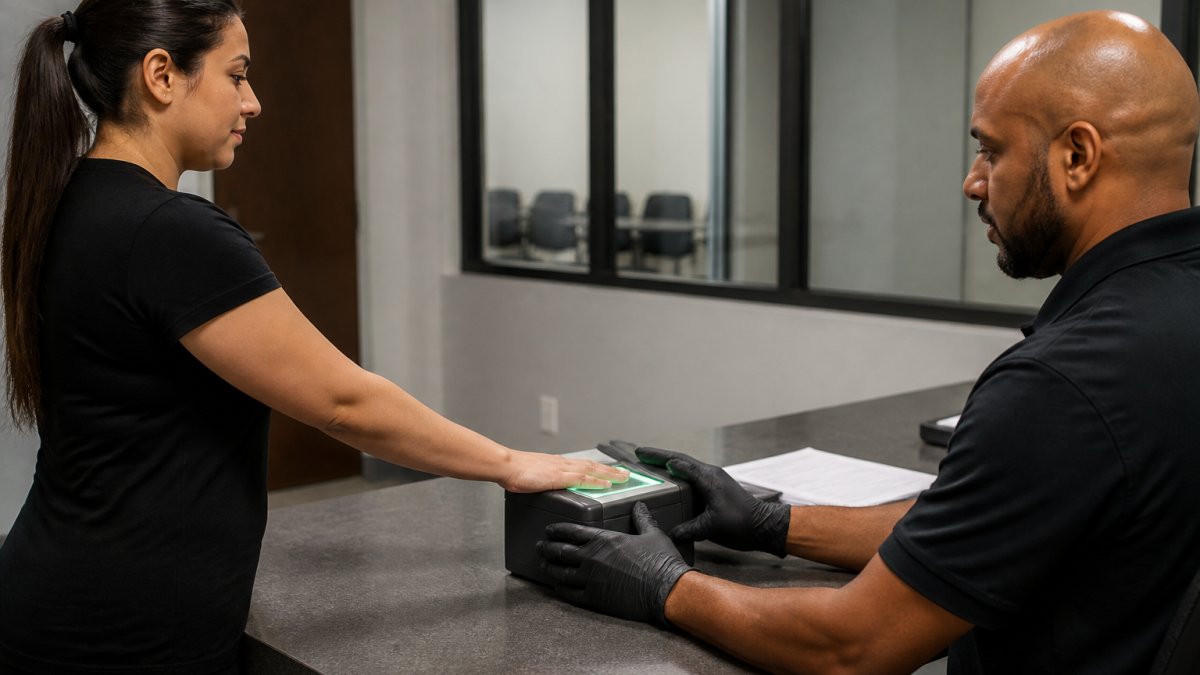
- The technician scans the prints. All ten fingers, rolled and flat.
- The prints transmit electronically. They go straight to the state database.
- The agency reviews the record. Results go to the requesting body, not to you.
- You get the clearance. The agency notifies you when the applicant is cleared.
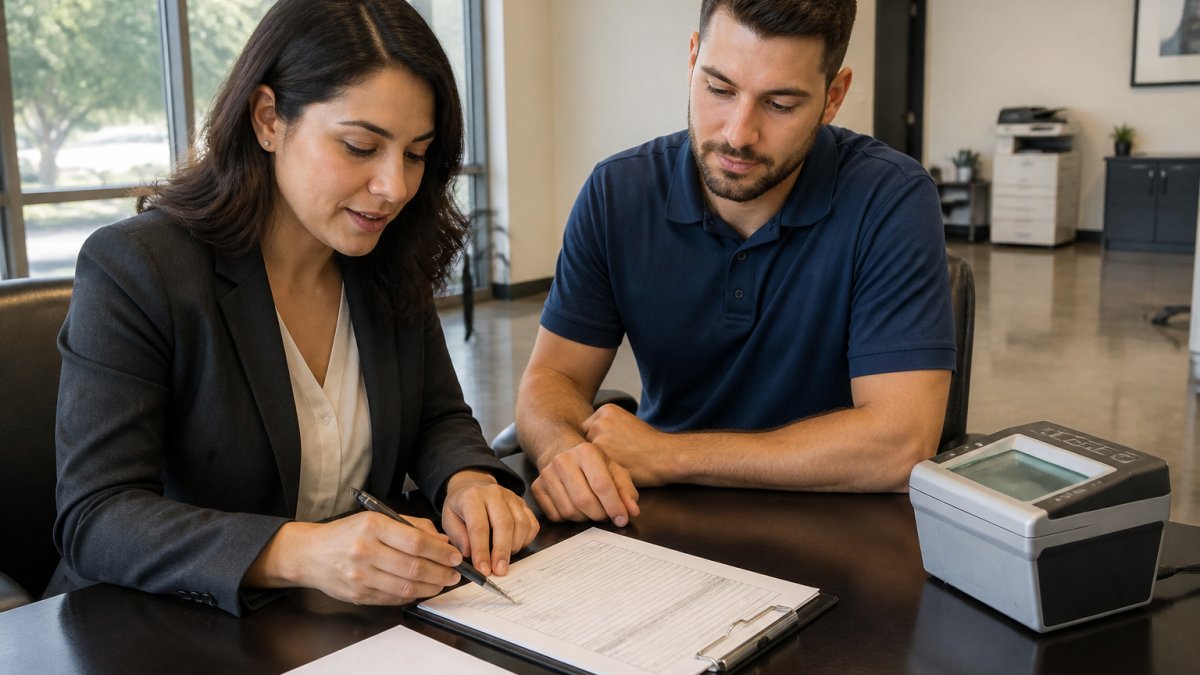
Establishing a consistent protocol for verifying employee backgrounds ensures that your operational standards remain high even when hiring specialized contractors for sensitive roles.
What the Applicant Brings to the Appointment
Send this list to the applicant the day before. Missing documents are the number-one reason an appointment stalls.
- The completed request form
- A valid government photo ID
- The agency code or billing information
- Any fee the applicant is covering
At San Diego Live Scan, we print Live Scan forms free in-office, and we take walk-ins all day with no appointment needed, so a missing document does not always mean a lost day.
A wrong agency code on the form sends the record to the wrong place. The applicant pays, the prints transmit, and nobody gets the result. Double-check the code before the appointment.
The Live Scan Form for Employment: What Employers Fill Out and Why It Matters
The Live Scan form for employment tells the state who is being fingerprinted, why, and which agency should receive the result. Get one field wrong and the submission can be rejected.
Employers typically complete:
- Agency identification number. The code tied to your requesting body.
- Type of application. Employment, license, certification, or volunteer.
- Applicant details. Name, date of birth, and contact information.
- Your authorizing signature. Confirms you requested the check.
The applicant completes their own personal section and signs the bottom. Both signatures matter. An unsigned form cannot be processed.
The form routes the criminal history record to the right place; if the route is wrong, the result never reaches you.
| Form Field | Who Fills It | Why It Matters |
|---|---|---|
| Agency ID number | Employer | Routes the result to the right agency |
| Application type | Employer | Sets the level of check |
| Applicant details | Applicant | Matches the record to the person |
| Authorizing signature | Employer | Confirms the request is legitimate |
| Applicant signature | Applicant | Confirms consent to the check |
Live Scan Processing Time: What Affects Your Turnaround
Live Scan processing time usually runs from a few hours to a few weeks. The scan is instant; the wait comes from the review stage, which the agency controls, not you and not the provider.
For planning purposes, most small-business hires fall into one of three buckets:
- Same-day to 72 hours. Common for many state license and employment checks where the record is clean and the agency processes electronically.
- Three to ten business days. Typical when the agency batches submissions, when the check is tied to a professional license board, or when the applicant has a record with entries that require manual review.
- Two weeks or longer. Usually the result of a rejected print, a mismatched form field, or an agency backlog. These are the cases that blow up a start date.
Three things drive the timeline:
- The receiving agency. Some clear records the same day. Others batch them weekly. The same applicant can see very different turnarounds depending on which board or department receives the submission.
- The type of check. A simple employment check may clear faster than a license or certification check, which often involves a second review layer.
- The applicant’s record. A clean record clears fast. A record with entries needs manual review, and manual review is where the calendar stretches.
A rejected print adds time. If the scanner cannot read a ridge, the technician may need to rescan, dry skin, worn ridges, and recent hand injuries all cause this.
We cannot promise a fixed turnaround, because the reviewing agency controls it. What we can do is get the submission right the first time. That is where most delays start.
For a small business, the practical move is to build the wait into the offer letter. Give the applicant a conditional start date and a clear “pending clearance” window rather than a hard first day.
The scan is the fast part. The review is the slow part. A clean, correct submission is the only lever you control, so treat the form as the priority.
Employment Background Check Fingerprinting: Building It Into Your Hiring Workflow
Employment background check fingerprinting works best as a scheduled step, not an afterthought. Put it in your hiring process in a fixed order.
A simple workflow:
- Offer stage. Make the offer conditional on a cleared background check.
- Paperwork stage. Send the request form and ID list with the offer packet.
- Fingerprint stage. The applicant visits a Live Scan location.
- Review stage. The agency processes the record and notifies you.
- Start date. Confirm the start date only after clearance.
Two details trip up small teams: the result goes to the agency, not to you, so build in a wait; and some roles need the check before the first day on site, not after.
If you hire in groups, schedule the whole group together to keep paperwork consistent and cut the back-and-forth.
U.S. Equal Employment Opportunity Commission guidance on background checks
Rejected Prints, Data Security, and Who Handles What
Rejected prints are common and usually fixable, the technician rescans, and the second attempt often clears.
Data security is the part most guides skip, and it can actually hurt a small business. Your applicant’s fingerprints are biometric data, treated in most states as a protected identifier, not a routine HR record.
Here is the chain of custody, and what each party actually controls:
- The employer: collects the request form, confirms the legal requirement, and decides what to do with the clearance result. You are the data controller for anything you store.
- The Live Scan provider: captures the prints and transmits them. A reputable provider does not retain the image after transmission and does not store applicant files on local drives.
- The state agency: receives the transmission, stores the record in the fingerprint database, and runs the check.
- The requesting body: reviews the result and issues clearance. In most cases, the employer never sees the actual criminal history record, only the clearance or denial.
That last point matters for compliance. Because the result routes to the agency, not to you, you are not holding a criminal history record in your HR file, which reduces your exposure under the federal Fair Credit Reporting Act (FCRA).
A few concrete rules that keep small teams out of trouble:
- Do not keep fingerprint images. If a provider offers to store them “for convenience,” decline. There is no business reason to retain a biometric image after transmission.
- Do not email clearance results. Keep them in a locked file or an access-controlled HR system. Share only with the hiring manager and anyone with a legal need to know.
- Set a retention clock. Decide up front how long you keep the clearance notice, many employers use the length of employment plus a defined period, and purge on schedule.
- Train the front desk. The person who receives the result is often the person most likely to forward it to the wrong inbox.
On the insurance side, most small businesses handling applicant biometric data should carry general liability and, depending on the state and volume of checks, errors and omissions (E&O) coverage.
Federal Trade Commission guidance on background checks and the FCRA
FBI biometric and fingerprint identification services
The employer is the data controller for anything it stores. The safest posture is to store as little as possible, for as short a time as possible, and to confirm with your carrier that biometric handling is actually covered.
Conclusion
Hiring moves fast, and an unplanned fingerprint requirement can stall your best candidate. The fix is process, not panic: know which roles need a check, get the form right, and schedule the scan early.
San Diego Live Scan makes that step easy. We take walk-ins all day with no appointment needed, print Live Scan forms free in-office, and serve employers from five locations across the county. We have helped businesses get faster, more successful results since 2010.
Find a location and get your next hire moving.
Frequently Asked Questions
When can a small business require a Live Scan background check?
Only when a federal, state, or local rule requires it for that role, or when the applicant signs a written consent under the Fair Credit Reporting Act. Common triggers include positions working with children, vulnerable adults, or certain licensed trades. For most private-sector jobs with no legal mandate, you still need written consent and must follow the FCRA’s notice and authorization steps before you request a criminal history record.
How does an employer arrange Live Scan fingerprinting for an employee?
Get the correct request form for your industry, give it to the applicant, and send them to a trained fingerprint technician who captures and transmits the prints electronically. Walk-ins are accepted all day, and the applicant can bring the form in person. The technician rolls the prints, submits them digitally, and the results go to the agency or employer listed on the form, not to the applicant.
How long does a Live Scan background check take?
Live Scan processing time varies by agency and by which databases are searched. State-level results often return in a few business days, while FBI background checks and some licensing boards take longer because of manual review. Rejected prints add time, so accuracy at capture matters. Ask the agency on your form what timeline to expect, and plan your onboarding start date around the slower of the two.
What happens if an employee’s fingerprints are rejected?
Rejection usually means the ridges were not clear enough, often from dry skin, calluses, or a smudged roll. The applicant returns for a re-scan, and most providers repeat the capture at no extra charge. To reduce the risk, have applicants avoid lotion right before the appointment and keep hands clean and dry. A second attempt resolves most rejections, and the agency continues the review once the new prints arrive.