Table of Contents
- How Long Does Live Scan Take? The Short Answer
- How Long Does a Live Scan Appointment Take?
- What to Bring to a Live Scan Appointment
- Processing Timelines: California DOJ, FBI, and Requesting Agency Review
- How to Check Live Scan Status
- Live Scan Results Taking Too Long? Troubleshooting Steps
- Why Processing Times Vary: Fingerprint Quality, Rejections, and Backlogs
- Frequently Asked Questions
Last Updated: October 18, 2026
How Long Does Live Scan Take? The Short Answer
Most Live Scan background checks come back in about 48 to 72 hours, but the full picture is messier than a single number. Live Scan is a digital fingerprinting service that sends your prints electronically to the California Department of Justice and the FBI for a criminal history check. The fingerprint capture itself takes 10 to 15 minutes. The waiting starts after you leave. At San Diego Live Scan, we’ve walked thousands of applicants through this process since 2010, and the question we hear most is simple: how long does Live Scan take, really? Below, we break down each stage so you know exactly where your check stands and what to do if it stalls.
Here’s the part most guides skip: three separate parties touch your results. Your prints go to the DOJ, then the FBI, then back to the requesting agency. Each stage has its own clock. Miss that, and you’ll blame the wrong people when things slow down.
The 48 to 72 hour figure is the DOJ’s electronic response time. Your actual wait also includes FBI review and however long your requesting agency takes to release results.
How Long Does a Live Scan Appointment Take?
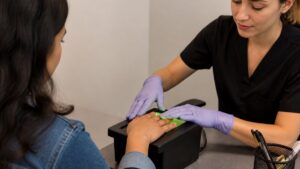
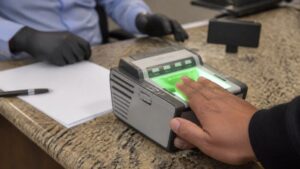
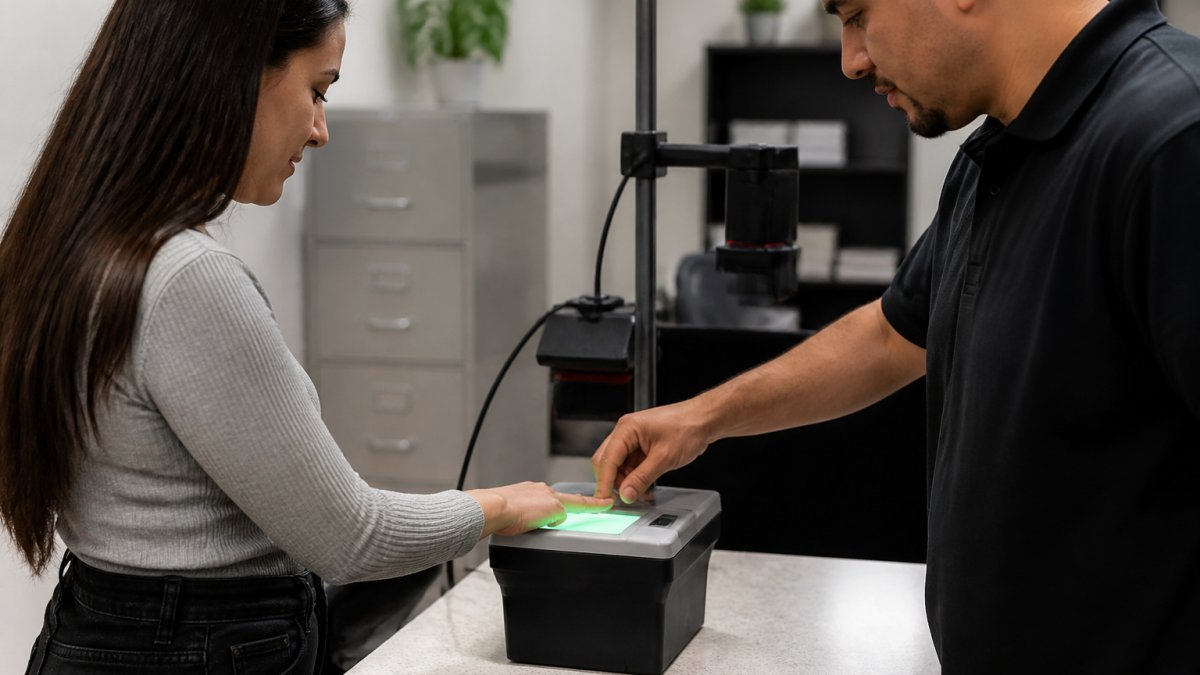
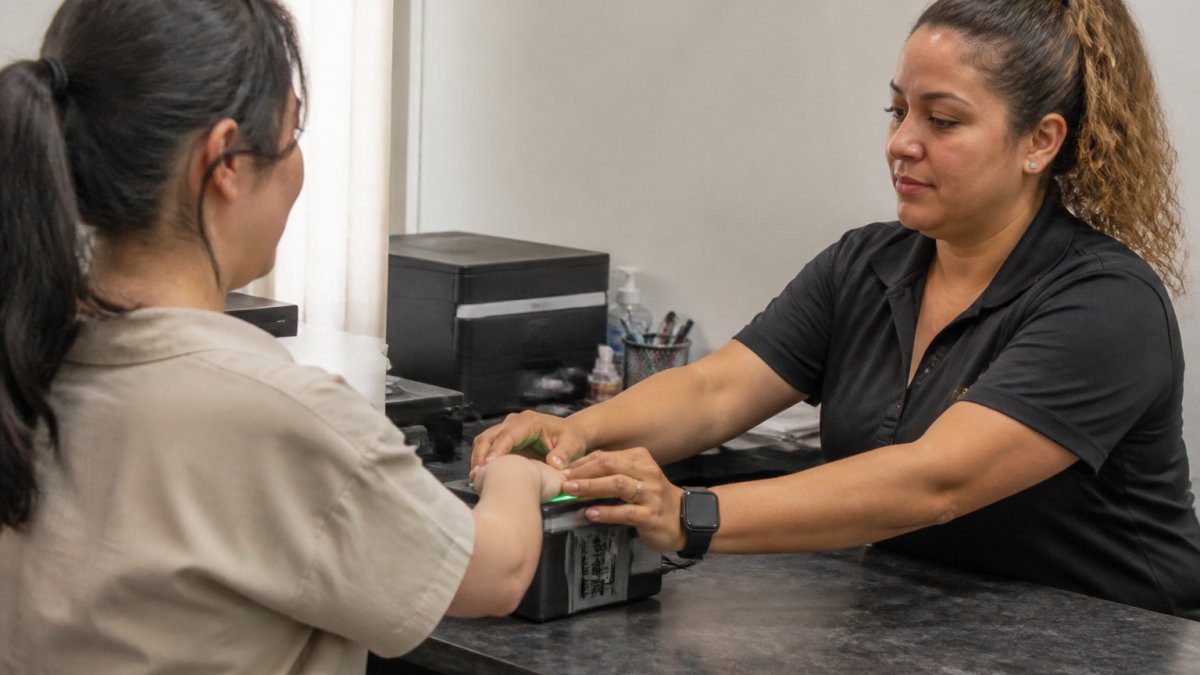
A Live Scan appointment takes 10 to 15 minutes from check-in to walk-out. The fingerprint technician scans your prints, verifies your identity, and submits the transaction electronically. Most of that time is capture and re-capture to get clean prints.
Walk-in service changes the math. At our locations, you don’t need an appointment, and walk-ins are welcome all day. That means your total time depends on the line, not the procedure itself. Expect to be in and out quickly on a quiet morning and to wait a bit longer at peak hours.
What happens during the appointment:
- You present a government-issued ID for identity verification
- The technician enters your requesting agency’s information
- Your fingerprints are captured electronically, one finger at a time
- The system checks fingerprint quality and re-scans any smudged prints
- You receive an ATI number before you leave
That ATI number is your receipt and your tracking key. Hold onto it.
What to Bring to a Live Scan Appointment
Bring your government-issued photo ID and your Live Scan request form from the requesting agency. Without both, the technician can’t submit your transaction, and you’ll have to come back.
The request form matters more than people realize. It carries the agency’s billing code and the type of check required. If the form is wrong, your prints go to the wrong place or get rejected at intake.
Your checklist:
- Government-issued photo ID (driver’s license, passport, or state ID)
- The Live Scan request form from your requesting agency
- Your payment method for the rolling fee
- Any agency-specific paperwork or authorization codes
We print Live Scan forms free in-office, so you can sort out paperwork on site instead of making a second trip. That’s one small thing that saves a lot of headaches.
Processing Timelines: California DOJ, FBI, and Requesting Agency Review
Processing splits into five distinct clocks, and confusing them is the most common reason applicants think their check is late. The appointment itself is minutes. The government review is days. The requesting agency’s release can be hours or weeks. Below, each stage is separated so you can pinpoint where your check actually sits.
| Stage | What Happens | Typical Time | Who Controls It |
|---|---|---|---|
| Fingerprint capture | Technician scans and verifies prints | 10 to 15 minutes | Fingerprint provider |
| Electronic transmission | Transaction sent to California DOJ | Minutes to a few hours | Provider and DOJ system |
| California DOJ response | State criminal history check | 48 to 72 hours for electronic submissions | California DOJ |
| FBI background check | Federal criminal history check | A few business days after DOJ response | FBI |
| Requesting agency review | Agency receives, reviews, and releases result | Same day to several weeks | Your requesting agency |
Electronic versus hard-card timelines. Electronic Live Scan submissions are the fast path. Hard-card fingerprints, where prints are rolled on paper cards and mailed, typically take 6 to 8 weeks because they enter a manual processing queue. Out-of-state applicants sometimes face the hard-card route when their prints cannot be transmitted electronically to the California DOJ. If you have a choice, electronic submission is always faster.
Timeline by outcome and submission type. The table above shows typical electronic timelines. A slower scenario looks like this: electronic submission, DOJ response at the long end of 72 hours, FBI review adding several business days, and an agency review queue that takes two to three weeks. A hard-card submission adds weeks before the DOJ even receives the prints.
What the official guidance says. The California DOJ Live Scan program guidance describes electronic transmission as the standard fast path and manual cards as the exception. The FBI’s Identity History Summary Checks program handles federal-level checks, and routing differs from a standard employment background check. These are official agency descriptions, not provider estimates.
A quick scan does not mean a quick background check. The 10-to-15-minute appointment is only the first stage. The full wait includes DOJ processing, FBI review, and your requesting agency’s release timeline.
While these digital fingerprinting stages remain largely automated, other background screening components like a polygraph test timeline can introduce additional variables that extend the total duration of a hiring process.
How to Check Live Scan Status
Check your Live Scan status by contacting the requesting agency that ordered your background check, using your ATI number. The California DOJ does not release results directly to applicants. Your agency is the only party that can see and share the outcome. That routing rule is set by state law and is the single most important fact about status checks.
Your ATI number, short for Applicant Transaction Identifier, is the key. It is printed on your Live Scan form receipt and typically begins with a letter followed by a series of digits. Without it, status lookup is nearly impossible. If you have lost your ATI number, contact the provider that fingerprinted you. Providers keep transaction records and can often retrieve it.
What status messages mean. A status check usually returns one of a few states: submission received, processing, completed, or rejected. “Submission received” means the transaction reached the DOJ system but has not been fully processed. “Processing” means the DOJ or FBI is still reviewing.
Who can see results. The requesting agency sees results, not the fingerprint provider. The DOJ sends results to the agency that requested them. You can ask your agency for a status update at any point, and most agencies will confirm whether results have arrived. Some agencies post status in an applicant portal; others require a phone call or email.
Step-by-step status check.
- Locate your ATI number on your Live Scan receipt.
- Contact the requesting agency, not the DOJ, and provide your ATI number and identifying details.
- Ask whether the transaction has been received, is processing, or has been completed.
- If completed, ask when the agency expects to release its decision.
- If rejected, ask the agency what resubmission steps it requires.
Calling the California DOJ directly for your own results usually gets you nowhere. State law routes results to the requesting agency, not the applicant. Save the call and contact your agency instead.
Live Scan Results Taking Too Long? Troubleshooting Steps
When results run past a week, work through these steps in order. Most delays trace to one of four causes, and each has a fix.
- Confirm the submission went through. Ask your provider whether your transaction was transmitted successfully. A failed transmission looks identical to a slow one from your side.
- Check your ATI number. A mistyped ATI number at the agency can stall lookup even when results exist.
- Ask the requesting agency directly. They can confirm receipt and tell you if your file is in their review queue.
- Ask about a fingerprint rejection. Poor fingerprint quality triggers a rejection, and a rejected print means a resubmission and a new wait.
- Check for a processing backlog. High background-check volume around hiring seasons slows the whole pipeline.
If your prints were rejected, you’ll usually need to be re-fingerprinted. There’s often no charge for the re-scan at the provider, but the clock restarts. That’s why we take extra care at capture time: clean prints the first time save everyone a second trip.
Why Processing Times Vary: Fingerprint Quality, Rejections, and Backlogs
Fingerprint quality is the biggest variable nobody talks about. Dry skin, calluses, and worn ridges can produce weak prints that fail the FBI’s fingerprint match. A no-match result doesn’t mean you’re in trouble. It means the system couldn’t read the print well enough to compare.
Other factors that move the timeline:
- Rejected fingerprints require resubmission, adding days to weeks
- Manual review happens when a record needs a human to clear it
- Processing backlogs build during peak hiring periods
- Agency review speed varies widely between organizations
- Submission type matters: electronic beats hard-card every time
Small business owners hiring a handful of people a year feel this most. One delayed check can hold up an entire start date. The fix is boring but effective: submit early, use electronic prints, and follow up with your agency rather than waiting in silence.
If you’re applying for a visa or need FBI clearance, tell your provider up front. The FBI’s Identity History Summary Checks program handles federal-level checks, and the routing differs from a standard employment background check. Getting the request category right at intake prevents a wasted submission.
Frequently Asked Questions
How do I know when my Live Scan is complete?
Live Scan results are sent to the requesting agency, not directly to you in most cases. To know when your Live Scan is complete, use your ATI number to check submission status through the California DOJ Applicant Background Check Status portal, or contact the requesting agency directly. The agency that ordered the check receives the criminal history response and will notify you when it has been reviewed. If you have not heard back within the expected processing window for your submission type, follow up with both the provider and the requesting agency.
What can delay Live Scan results?
Common causes of delay include poor fingerprint quality that triggers a rejection and resubmission, manual review of a fingerprint match that requires agency attention, processing backlogs at the California DOJ or FBI, and incomplete or incorrect information on the Live Scan form. Out-of-state or hard-card submissions also take longer because they go through manual processing instead of electronic transmission. If your results are taking too long, confirm the ATI number was submitted correctly and contact the requesting agency to check whether your file is in review.
What should I avoid doing before getting fingerprinted?
Avoid lotions, oils, and heavy moisturizers on your hands before your appointment, since residue can affect fingerprint capture quality and lead to rejected fingerprints. Skip temporary tattoos, henna, or heavy ink on fingertips, and let any cuts or abrasions heal if possible. Bring a valid government-issued ID and any paperwork the requesting agency provided. Clean, dry hands give the fingerprint technician the best chance of capturing a clear print the first time, which keeps your turnaround time on the shorter end.
Does electronic fingerprinting provide results faster?
Yes. Electronic fingerprints are transmitted directly to the California DOJ and FBI, which typically shortens the front end of the process compared with hard-card fingerprints that must be mailed and manually processed. Electronic submission often produces a response within 48 to 72 hours when there is no criminal history match, while hard-card submissions can add days or weeks. The overall Live Scan turnaround still depends on the requesting agency’s review and whether any fingerprint match requires manual handling.
Live Scan timing rarely follows a single rule, and that uncertainty is exactly what makes onboarding stressful. If you want the capture stage handled right the first time, San Diego Live Scan offers walk-in service at five locations, free in-office form printing, and technicians who know how to get clean prints on the first pass. No appointment needed, and no second trip because of a smudged scan. Find a location near you and get your fingerprinting done today.